
Help and Guide
Welcome to the Coloring Gorilla help center. Everything you need to find a design, color it online, print it at home, and turn it into something special lives right here. Follow along from top to bottom, or jump straight to the part you need.
Hi, I’m Mahnoor, the designer and admin here at Coloring Gorilla. Guiding new visitors through our tools brings me real joy, so let me walk you through each step.
Getting Started
Browsing comes first. Head to any category, scroll through the gallery, and click a design that catches your eye. Every page opens on its own detail screen.
Two paths wait for you there. Color the page right in your browser with our online tool, or download and print it to color by hand. Pick whichever suits your mood.
Coloring Online
Tapping the color tool button opens our free coloring canvas. No account, no download, and no cost stand in your way. Work saves on its own inside your browser as you go.
Below is how each feature helps you create.
Choosing colors. Click any shade in the palette, then click a section of the page to fill it. Simple as that.
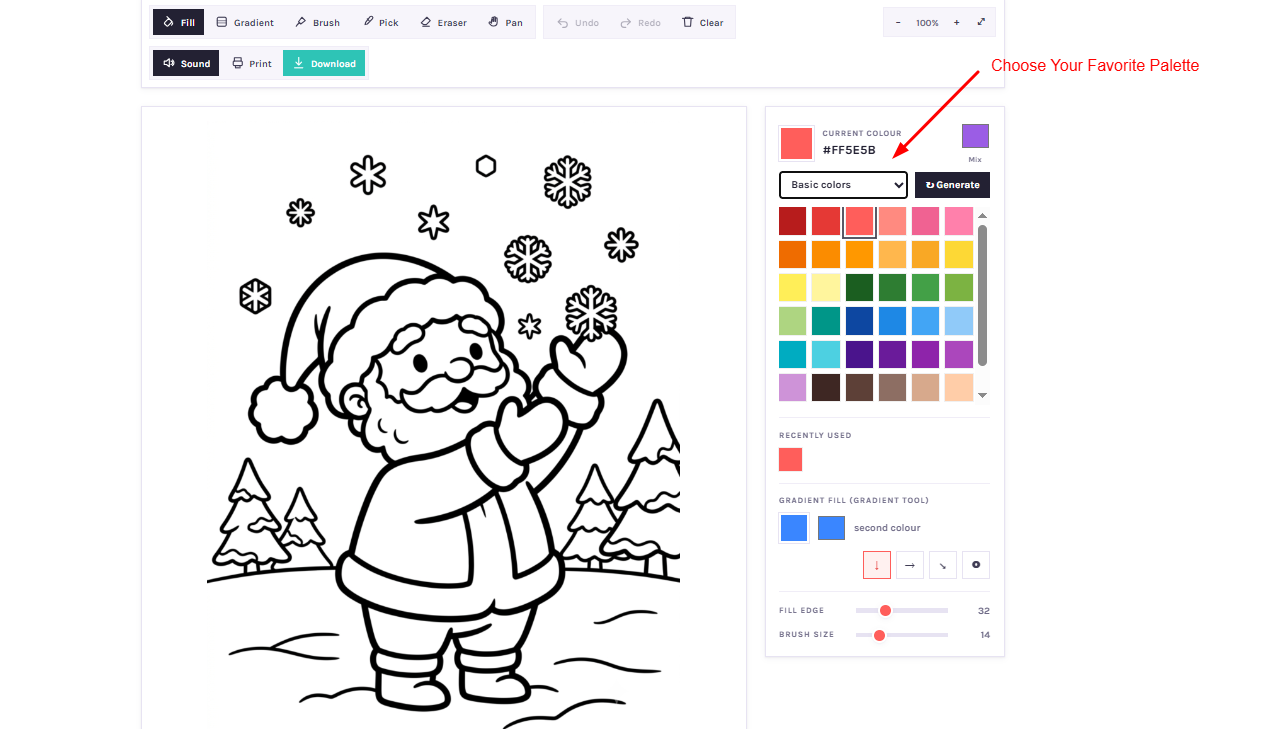
Undo, Redo, and Clear. Slipped up? Step back, step forward, or wipe the canvas clean and begin again.
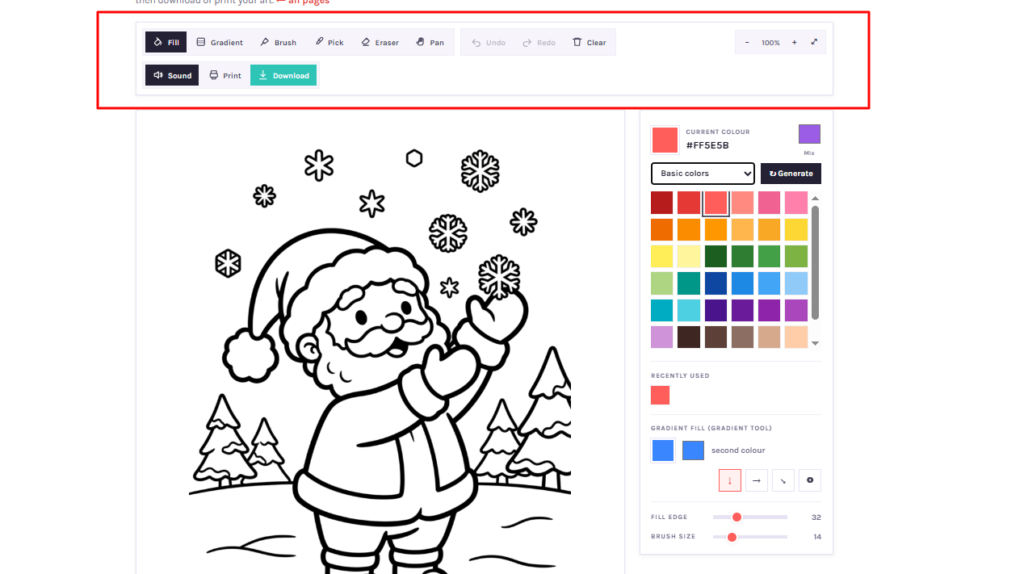
Zoom. Lean in close for tiny details, then snap back to center with the navigation buttons.

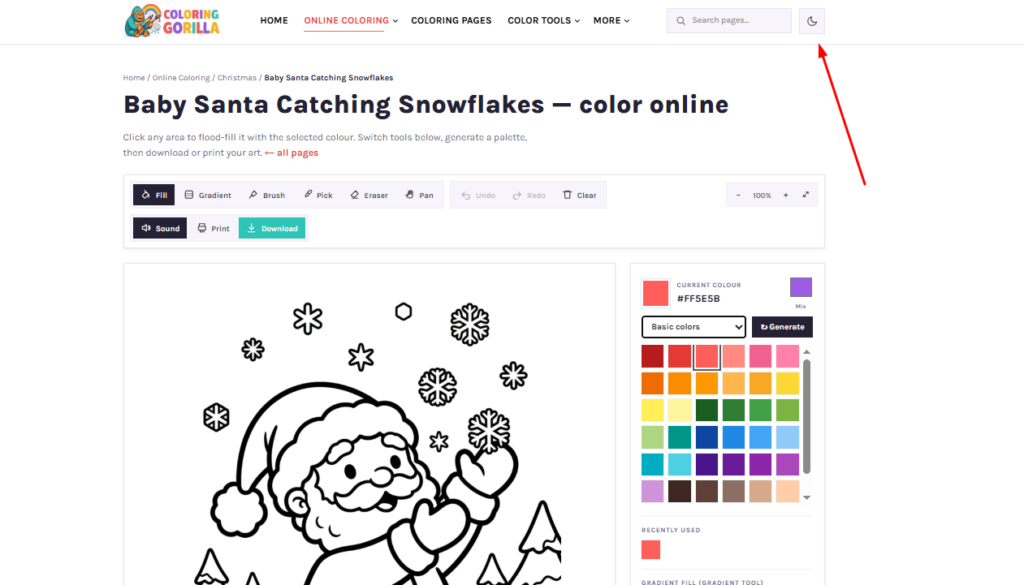
Day and Night Mode. Switch the look of the tool, bright by day or dim for restful evening coloring.
Saving, Downloading, and Printing
Finished a page online? Reach for the download button. Files come in PDF, PNG, and JPEG, and PDF offers several page sizes.
Prefer coloring on paper? Grab the printable version straight from the page. Steps below keep your prints crisp.
Load fresh paper into your printer. Standard letter or A4 works well for most pages. Open the file, then choose “Fit to page” so nothing gets cut off. Selecting “high quality” or “best” in your printer settings gives the sharpest lines. Black ink alone prints every outline just fine.

Coloring by Hand
Choosing your tools sets the mood. Crayons feel bold and quick, colored pencils allow soft shading, and markers deliver bright, even color. Any of them brings a page to life.
Start with the large shapes, then move to smaller details last. Building up light layers gives you more control than pressing hard right away. Mixing two shades in one area adds depth that flat color cannot match.

Fun Craft Ideas
Colored pages can become far more than art on a fridge. A few quick projects stretch the fun:
- Bookmarks. Color a slim design, cut it out, laminate it for strength, then punch a hole and tie on some yarn.
- Greeting cards. Shrink a design, print it small, and fold sturdy paper around it for a handmade card.
- Wall art. Frame a finished page for a bright, personal decoration in any room.
- Gift tags. Cut small colored shapes, add a string, and dress up your presents.
Working with children? An adult should handle any cutting, laminating, or hot glue for safety.
Frequently Asked Questions
Is everything really free?
Yes. Coloring online and downloading our printables costs nothing, from start to finish.
Do I need an account?
No signup is required. Open a page and start right away.
Which devices work with the online tool?
Desktops, laptops, tablets, and phones all run the tool through any modern browser.
How does my progress get saved?
Your work saves on its own inside your browser cache, so no login is needed. Clearing your cache will remove it, though.
Can I use these pages in my classroom?
Absolutely. Teachers and parents may print our pages for lessons and home activities at no charge.
May I sell pages I have colored?
Personal and educational use stays open to you, but selling or commercial use is not allowed. Our Licensing Policy explains the full terms.
Found content that looks like yours?
Reach out through our Takedown Policy, and we will review it quickly.
What file formats can I download?
Choose from PDF, PNG, and JPEG, with several size options for PDF.
Still Need Help?
Stuck on something this guide did not cover? Reach Mahnoor, our Site Administrator and Lead Graphic Designer, at hello@coloringgorilla.com. Most messages get a reply within 12 to 24 hours.