
How I Draw Digital Coloring Pages From Scratch (Step By Step Guide)
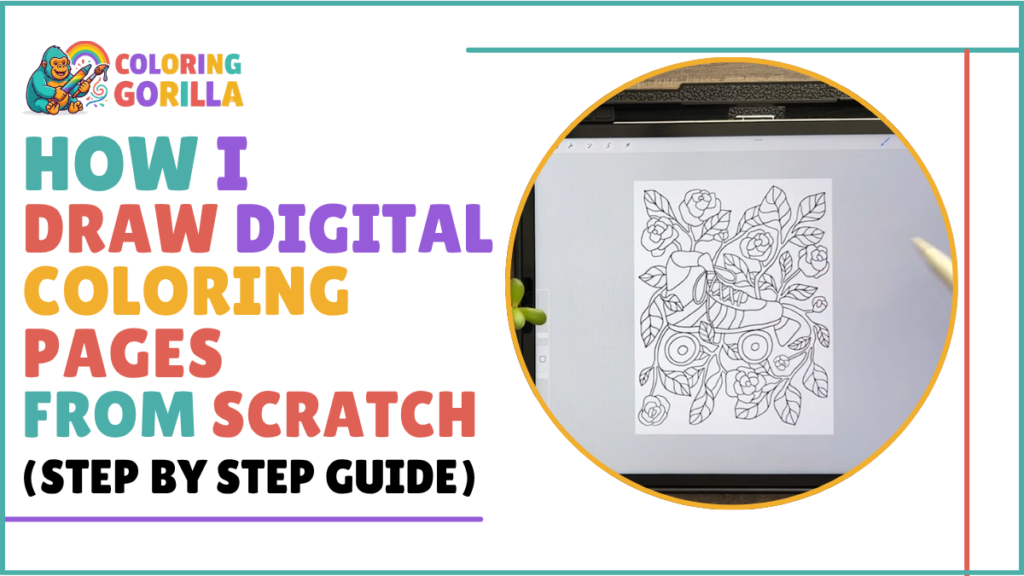
Hi there, I am Mahnoor! Drawing has been my happy place since childhood, and those early scribbles slowly grew into a real career.
These days I work as a professional graphic designer. Logos, layouts, hand lettering, and playful character designs keep my hands busy all week, yet coloring pages remain my favorite projects of all.
Something magical happens when other people get to finish a page I started. Running Coloring Gorilla lets me share that joy with families every single day.
Ever wondered how a coloring page comes to life? Today I am pulling back the curtain and showing you every step of my drawing process.
Grab a cup of tea and follow along. By the end, you will know exactly how I turn a blank screen into a free printable page ready for kids and adults to enjoy.
Why I Love Making Coloring Pages
Coloring pages hold a special kind of magic. They slow us down, calm the mind, and give our hands something joyful to do.
Parents love them because kids stay busy for hours. Teachers love them because a quick print gives the whole class a fun activity in seconds.
Adults enjoy them too. Coloring is not just for kids anymore, and that is exactly why I design pages for every age.

Getting the Canvas Ready
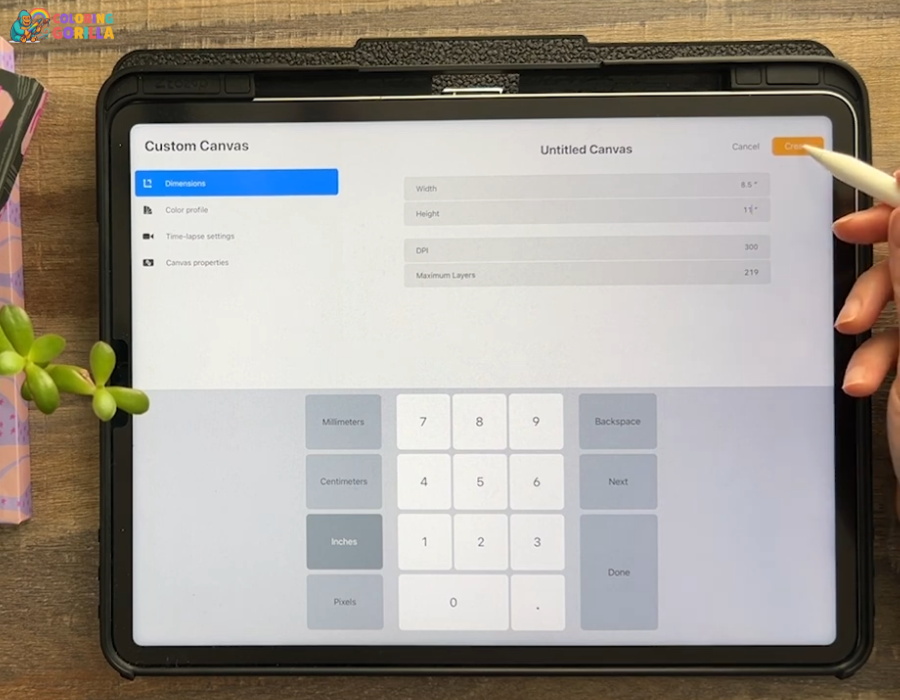
Every good page starts with the right setup. Open your drawing app and create a new canvas before anything else.
Standard letter size works best for me. Set it to 8.5 x 11 inches at 300 DPI so the final PDF prints crisp and clean on regular paper.
High resolution matters a lot here. Blurry lines ruin the fun when families print the page at home.
Finding Reference Photos on Flickr Commons
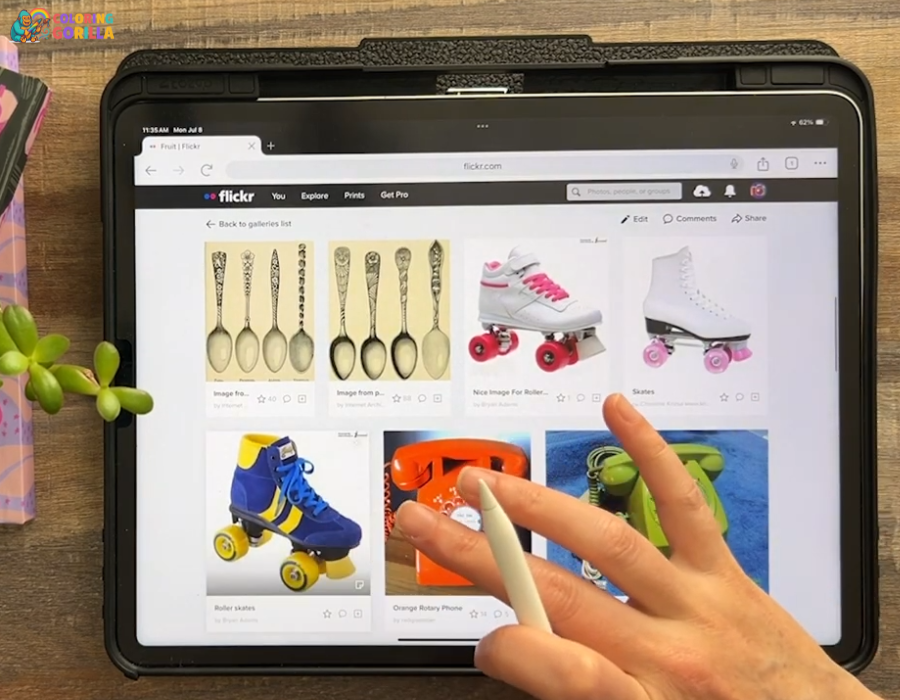
Reference photos make drawings feel real and full of life. My favorite place to find them is Flickr Commons.
Thousands of old photographs live there with no known copyright restrictions. Vintage animals, classic cars, old houses, and so much more wait inside those galleries.
Browsing them feels like a treasure hunt. Save a few images that inspire you and keep them next to your canvas while you draw.
Sketching the Design
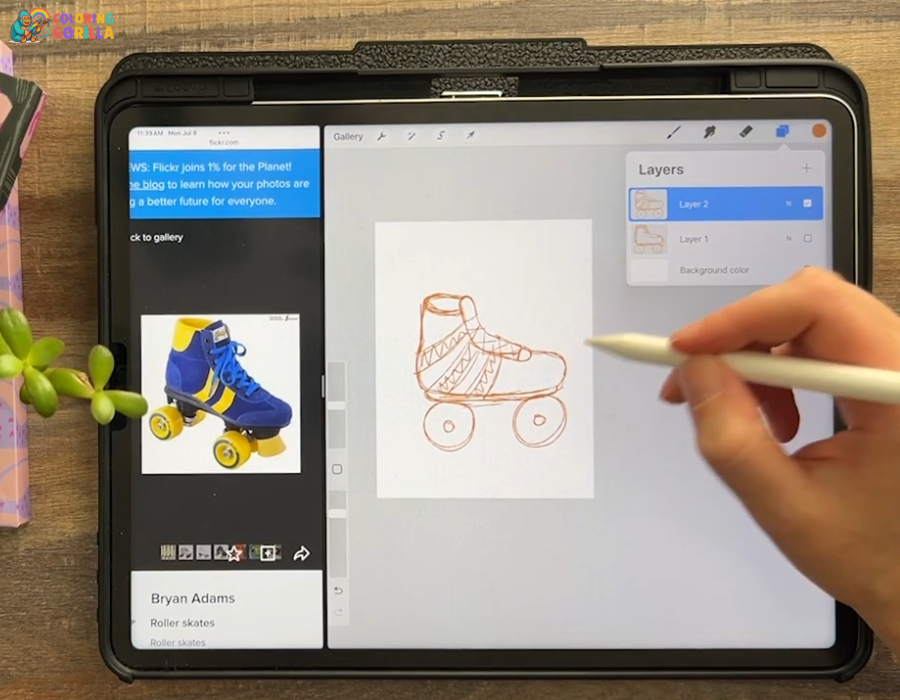
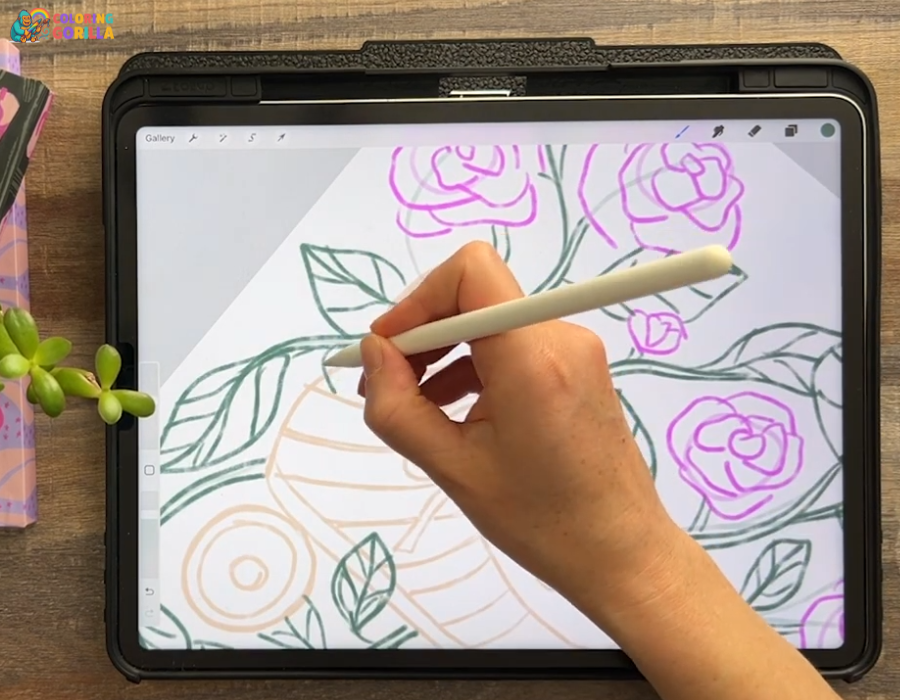
Sketching is where the fun truly begins. Pick a light pencil brush, lower the opacity, and start drawing loose shapes.
Messy lines are welcome at this stage. Nobody sees the sketch layer in the final free printable, so relax and play.
Focus on big shapes first. Details come later, and rushing them early only makes the drawing stiff.
Keep your reference photo nearby the whole time. Glance at it often, but let your own style lead the way.
Completed Sketch Ready For Inking

Making Shapes Overlap
Here is a small trick with a big payoff: overlapping. Let one object sit slightly in front of another.
Overlapping adds depth to flat drawings. Suddenly the page feels layered, rich, and far more interesting to color.
Kids especially love pages with lots of little sections to fill. More overlap means more tiny spaces and more coloring fun.
Inking and Cleaning Up the Lines
Inking turns a rough sketch into a real coloring page. Create a fresh layer, choose a smooth black brush, and trace over your best lines.
Thick, confident strokes work better than thin shaky ones. Bold outlines survive the print process and stay easy to color inside.
Take your time here. Slow, steady inking is what separates a good page from a great one.
Once the ink is done, hide the sketch layer completely. Clean black lines on pure white are all you want in the final PDF.
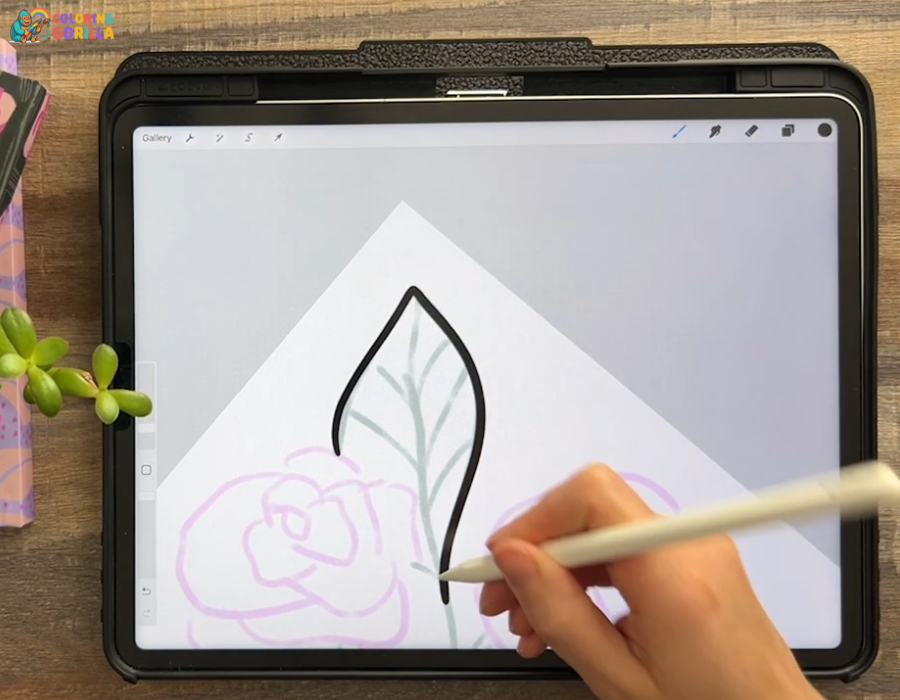
Finished Clean Line Art For A Free Printable Coloring Page

Signing the Page and Adding Extra Fun
Sign your work with pride. Tuck a small signature into a corner where it will not distract from the art.
Little bonus touches make a page memorable. Hidden hearts, tiny stars, or a small butterfly give colorists a sweet surprise.
Extra details like these keep both kids and adults coming back for more coloring pages.

Common Questions
What size should a coloring page be?
Letter size at 300 DPI is the safest choice. Pages print beautifully on standard home printers.
How do I share the finished page?
Export it as a PDF. Files in PDF format keep the lines sharp and make printing simple for everyone.
Who are these pages for?
Everyone! Simple designs suit kids, while detailed pages give adults a relaxing challenge.
Final Thoughts
Drawing digital coloring pages is a joyful mix of art and play. Start with a solid canvas, sketch loose, ink bold, and always sign your work.
Ready to try it yourself? Pick a reference photo tonight and give it a go.
Want something to color right now instead? Download a free printable from our collection, save the PDF, hit print, and enjoy a relaxing coloring session with your family today.
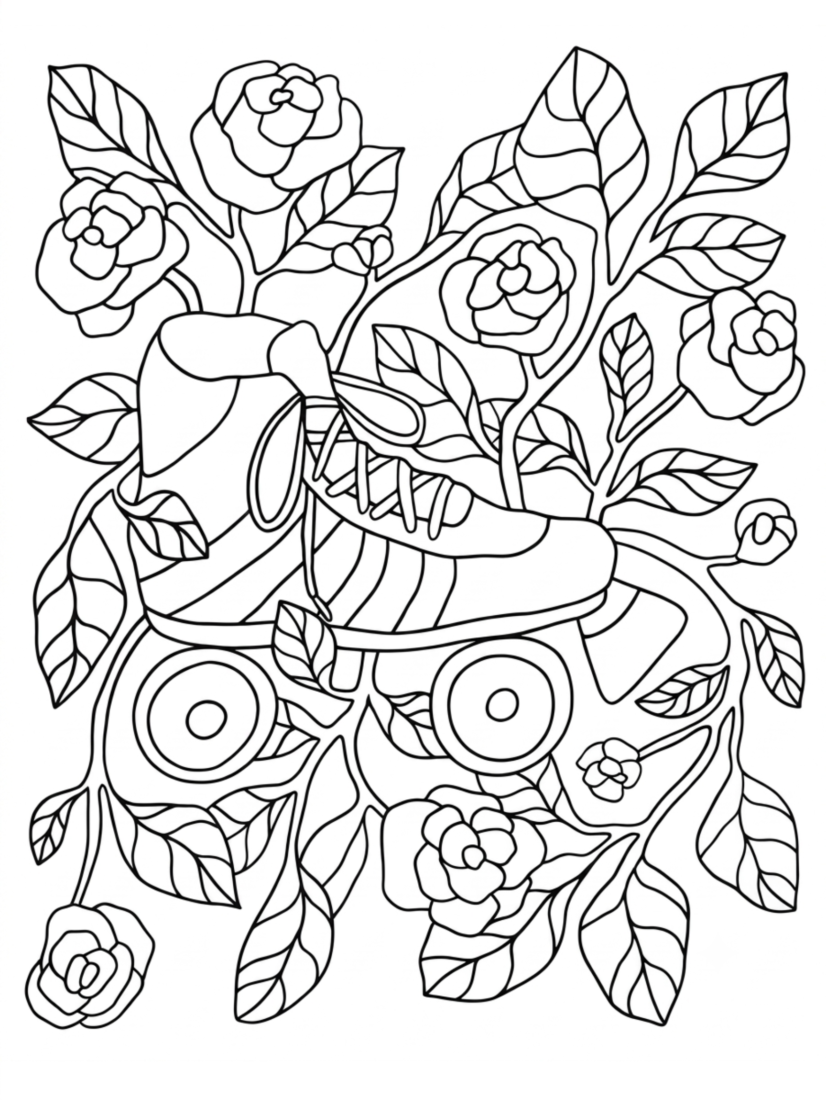
Skate in Full Bloom
Explore More Coloring Pages
Hungry for more free printable fun? Check out these related collections:
