
How to Turn Any Photo Into Line Art in Seconds (Free and Easy)

Got a favorite photo and wish you could color it? Now you can. Our Photo to Line Art tool turns any picture into clean black and white outlines in just a few seconds.
Snap a photo of your pet, your garden, or your child, and watch it become a fresh coloring page. Below I will walk you through every button, so you feel confident from your very first try.
What This Tool Does
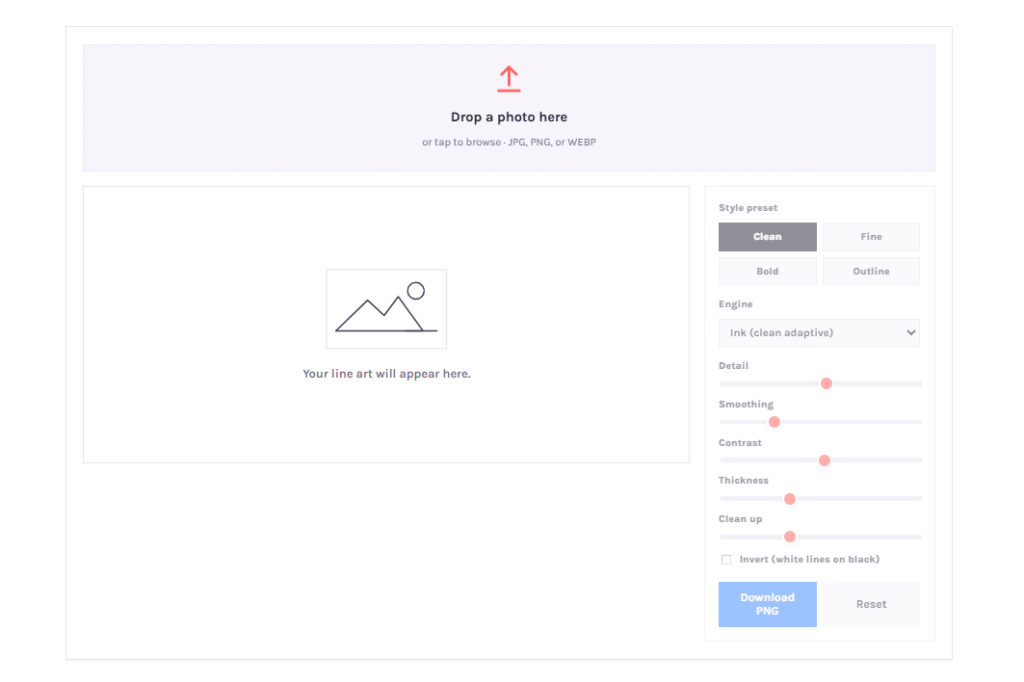
Simply put, it traces the shapes in your photo and draws them as crisp lines. Colors fall away, and clean outlines take their place.
Families use it to make custom coloring pages from their own snapshots. Teachers turn plants, animals, and landmarks into simple outlines for class.
Best of all, everything happens right inside your browser. No photo ever leaves your device, so your pictures stay yours alone.

Three Steps From Photo to Coloring Page
Making line art feels quick and playful. Three small steps stand between your picture and a finished page.
Step 1: Upload Your Photo
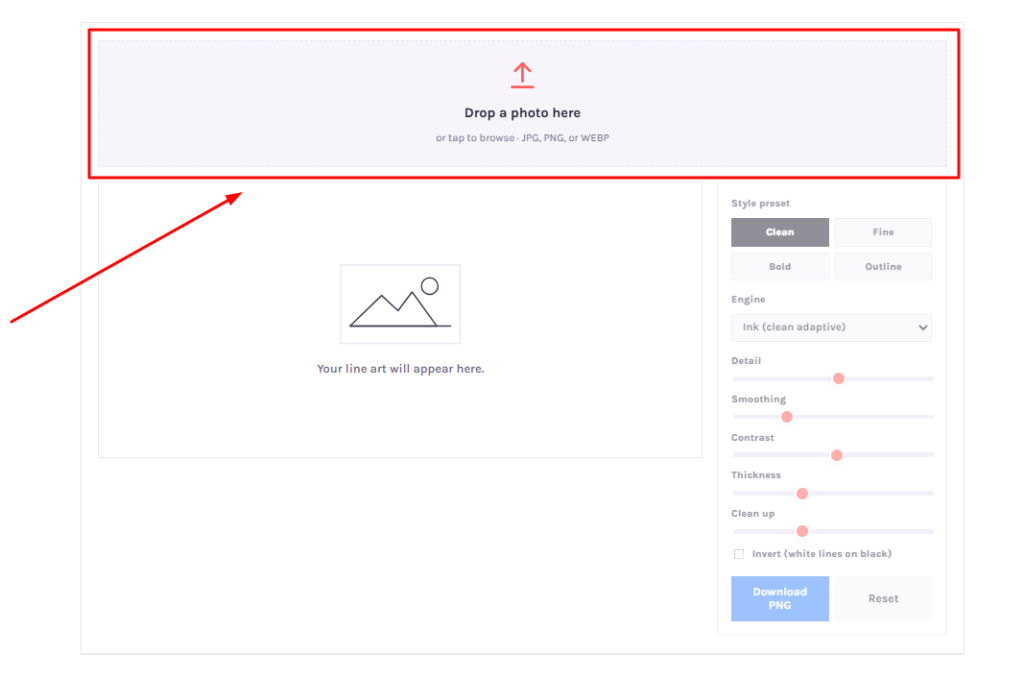
Start by adding a picture. Drag a JPG, PNG, or WEBP file into the upload box, or tap it to browse photos from your phone or computer.
Bright, clear photos give the best results. Bold shapes and good light always trace cleaner than dark or blurry pictures.
Step 2: Shape the Look
Now comes the fun part. Pick an engine, then slide the controls until the lines feel just right.
Three engines wait for you, and each draws in its own way:
- Ink reads light like a scanner and gives clean, sharp results.
- Sketch draws soft pencil lines with a gentle, hand drawn feel.
- Outline traces bold edges for a strong, simple look.
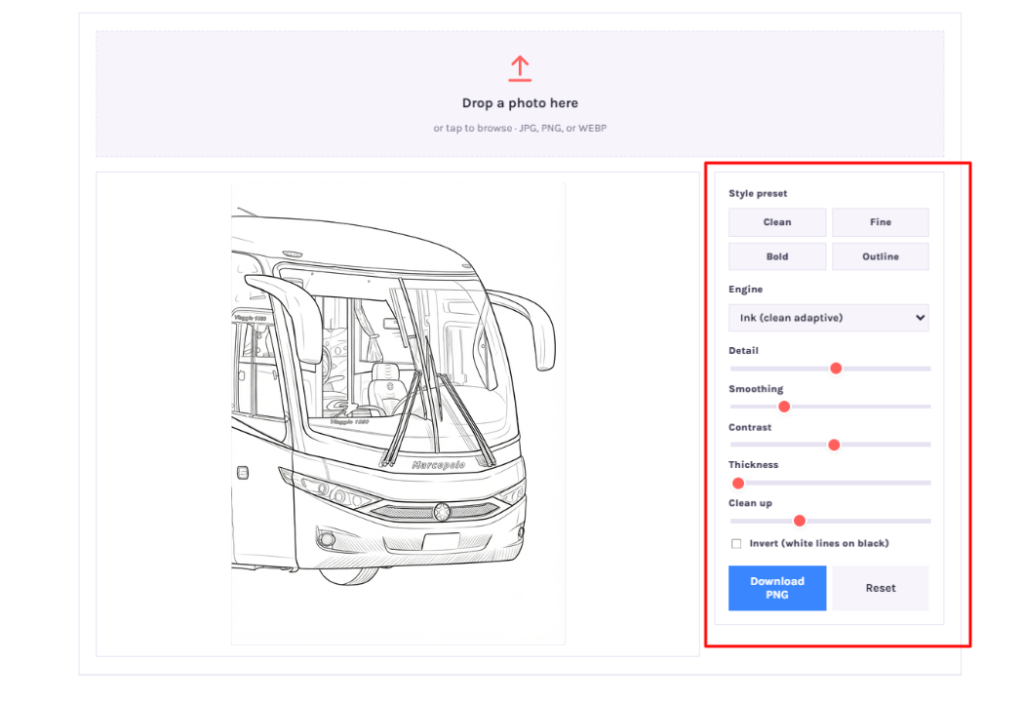
Six easy controls give you full command. Detail, smoothing, contrast, thickness, clean up, and invert let you fine tune every line.
Prefer a quick shortcut? Tap a style preset like Clean, Fine, Bold, or Outline, and the sliders adjust for you.

Step 3: Save Your Art
Happy with the result? Hit the Download button and save your line art as a PNG file.
From there, two paths open up. Print your page and grab some crayons, or color it right on screen with our online tools.
A Closer Look at the Controls
Each slider changes your drawing in a small way. Learning them takes only a minute.
Detail decides how many lines appear. Slide it down to keep only the main shapes, or up to capture tiny bits.
Smoothing calms a grainy photo. Raise it when your picture looks rough or speckled.
Contrast helps flat photos pop. Lift it when the lines look faint or washed out.
Thickness sets how bold your lines feel. Thick outlines suit young colorists, while thin ones fit soft portraits.
Clean up wipes away stray dots and grain. Nudge it higher for a tidy, spotless background.
Invert flips the drawing to white lines on black. Try it for a striking chalkboard style.
Tips for the Cleanest Lines
Strong photos make strong pages. Keep these small habits in mind before you start.
Choose bright light and bold shapes for the crispest outlines. Busy backgrounds tend to add clutter, so simple scenes work best.
Raise the smoothing control to quiet a grainy picture. Lower the detail until only the main shapes remain.
Feeling playful? Switch engines and watch one photo become several different drawings, each ready to print.
Why People Love Making Line Art
This little tool opens many doors. Parents build coloring pages for kids from birthday photos and holiday memories.
Teachers create clear outlines for lessons about nature, science, and history. Young students focus better on shapes once the colors step aside.
Artists sketch a base to paint over, and crafters trace shapes for stencils, banners, and party props. One simple photo can turn into art made entirely by you.
Adults enjoy it too. Relaxing coloring pages for grown ups start with nothing more than a favorite picture.
Your Photos Stay Private
Privacy sits at the heart of this tool. Each photo loads straight into the page and never travels to a server.
Nothing gets stored, and nothing gets shared. Close the tab, and your picture stays right where it belongs, with you.
No account, no email, and no waiting line stand in your way. Quick edits always feel safe here.
Color It the Moment You Finish
A finished outline is only the start. Print your line art and reach for markers, or open the online studio and fill each shape on screen.
Frame a favorite piece, mail one to a grandparent, or gather several pages into a small homemade book. Every visit stays free, on phones, tablets, and computers alike.
Frequently Asked Questions
Is the Photo to Line Art tool free? Yes. Use it as often as you like, with no signup and no cost at all.
Does my photo get uploaded anywhere? No. Everything runs in your browser, so your photo stays on your device and never reaches a server.
Which image types can I use? Load JPG, PNG, or WEBP files by dragging them in or tapping to browse.
How do I get the cleanest lines? Begin with a bright, sharp photo. Raise smoothing to cut noise, then lower detail until only the main shapes show.
What makes the three engines different? Ink reads light like a scanner for clean results, Sketch draws soft pencil lines, and Outline traces bold edges.
Can I color the line art afterward? Yes. Download the PNG and color it in the online studio, or print it and use crayons or markers.
Ready to Try It?
Grab a photo you love and give it a go. Within seconds you will hold a fresh coloring page, ready to print as a PDF or color online.
Turn everyday snapshots into free printable coloring pages for kids and adults today. Your next favorite drawing is only one photo away.
